
PaletteBrain
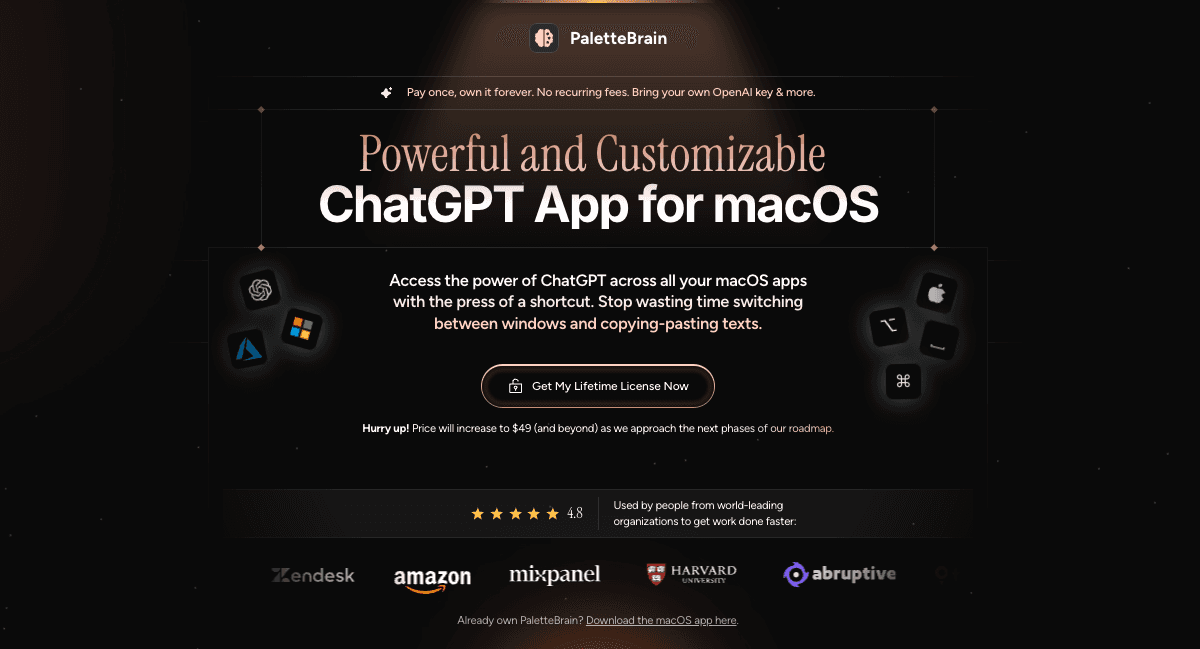
PaletteBrain is a macOS desktop app that brings ChatGPT into any Mac application through a keyboard shortcut. Select text, run an AI command, paste the answer back. One-time lifetime license, your own OpenAI API key.
What is PaletteBrain?
PaletteBrain is a native macOS app that puts an AI command palette one keystroke away, inside whatever application you happen to be working in. Select text anywhere, in Notion, Google Docs, Slack, Discord, Gmail, a code editor or a web page, press Option+Space (Control+Command+Space also opens the palette) and pick a command. Preconfigured commands include Fix Grammar & Spelling, Translate to English, Summarize to Bullet Points and Convert to Blog Post, and Command+Shift+Return pastes the last answer straight back into the app you came from. You can also build your own commands, each with its own prompt, model, creativity setting and dedicated shortcut, while conversations stay in one place, searchable and deletable for good.
The economics are the pitch. The software is a one-time purchase with lifetime updates rather than a subscription, while the intelligence comes from your own OpenAI API key, with Microsoft Azure OpenAI supported as an alternative, billed per use directly by OpenAI. The publisher claims most users see less than $1 a month in OpenAI costs and positions the product against stacked subscriptions. Because the app has no backend, keys and history stay on the Mac.
Announced but not available today: vision, PDF and RAG over files, AI agents, iCloud sync, folders and tags, and models from providers other than OpenAI and Azure.
What it does
- Run an AI command on text selected in any macOS app, from a global keyboard shortcut
- Fix grammar and spelling without leaving the document
- Translate a passage into another language
- Summarize a long text into bullet points
- Turn rough material into a blog post
- Refactor code
- Paste the last answer back into the source app, and save your own AI commands for reuse
When to use PaletteBrain / When not to
A quick filter to help you decide if PaletteBrain is the right fit.
When to use PaletteBrain
- Writers, copywriters and content creators who edit text all day long, the profiles behind the site's own testimonials from a tech copywriter and a content creator
- Developers who want a refactoring pass on selected code without leaving their editor, refactoring being one of the uses the site lists explicitly
- Founders, freelancers, marketers and recruiters drafting emails and social posts, the audience the homepage claims as hundreds of founders, creators and employees
- Teachers putting together lesson plans and quizzes, an everyday use described in one of the published testimonials
- Heavy AI users who want out of monthly subscriptions and are comfortable creating an OpenAI API key to be billed per use, on a Mac, since macOS is the only platform served
When not to use PaletteBrain
- Windows and Linux users: the site's own FAQ raises the question, and the app exists for macOS only
- Anyone working mainly from a phone or a tablet, since there is no iOS and no Android app
- Users who refuse to create and manage an OpenAI API key, or who are waiting for a free plan: all three licenses are paid one-time purchases
- People who need image generation or file analysis, because vision, PDF and RAG are roadmap items rather than shipped features
- Teams that need centralized account administration, and anyone under 18: the Team plan is quote-only with no published detail, and the service is restricted to adults
How to use PaletteBrain
A typical end-to-end flow, from setup to results.
- Buy a license, Personal, Family or Team, with payment handled by Lemon Squeezy
- Download the macOS app from the PaletteBrain download page
- Activate the license key on your Mac, the number of devices allowed depending on your plan
- Create an API key at OpenAI, or at Microsoft Azure OpenAI, and enter it in the app
- Select text in any application
- Press Option+Space to open the AI command palette
- Pick a command, such as fix, translate, summarize or convert, to run the prompt on the selected text
- Press Command+Shift+Return to paste the last answer back into the app you started from
- Build your own commands, setting the prompt, the model, the creativity level and a dedicated shortcut
- Email hello@palettebrain.com to unlink a device if you reach the device limit of your plan
Pros & Cons
Pros
- One-time purchase with lifetime updates and no software subscription
- Usage billed directly by OpenAI with no reseller margin, the publisher claiming under $1 a month for most users
- Structural privacy: no backend at all, so API keys, history and messages stay on the device
- Works inside every macOS app and website, which removes the copy-paste-and-switch-window routine
- Commands, prompts, models, creativity and shortcuts are all customizable
- Choice of provider between OpenAI and Microsoft Azure OpenAI
- Unlimited conversations, messages, commands and shortcuts on all three plans
Cons
- macOS exclusively, with no Windows, no Linux and no mobile version
- An OpenAI API key is mandatory, which means an extra setup step and a third-party account to create and fund
- Usage cost is variable and uncapped, billed by OpenAI on top of the license price
- No free plan and no free trial, and the entry license covers a single Mac at $29
- The refund window contradicts itself: the site announces 24 hours, restricted to hardware incompatibility or an unfixable defect, while the terms mention a 14-day period elsewhere, an inconsistency the documents never resolve
- Headline capabilities such as vision, PDF and RAG, agents and sync are roadmap items rather than shipped features, and part of them will require an Agent.so subscription
- Thin corporate footprint for a business purchase: no postal address, no about or contact page, no identifiable social presence, no Article 27 EU representative and no DPA, while the terms state French governing law for a US LLC, a mismatch the documents leave unexplained
Pricing & Plans
There is no free plan and no free trial. The lowest paid entry point is a one-time payment of USD 29.00 for the Personal License, which covers a single Mac. Prices are displayed in USD and VAT may apply depending on your location, with payments processed by Lemon Squeezy, a company owned by Stripe, on behalf of Abruptive LLC. A separate and mandatory cost sits on top of the license: OpenAI API consumption, billed by OpenAI directly rather than by PaletteBrain. The publisher claims that most users see less than USD 1 per month in OpenAI costs.
- Personal License
- USD 29 one-time (shown against a struck-through USD 99 per year)
- 1 macOS device
- unlimited conversations
- messages
- palette commands and shortcuts
- your own OpenAI or Azure key
- lifetime updates with no recurring fee
- Family License
- USD 99 one-time (shown against a struck-through USD 299 per year)
- 5 macOS devices
- the same unlimited quotas
- the same lifetime updates
- standard email and chat support
- Team License
- price on request and still one-time
- unlimited macOS devices
- the same unlimited quotas
- priority email and chat support
- reached through a Contact Us link
- pricing will move to USD 99 per year instead of a lifetime license as the roadmap progresses
Data, GDPR & hosting
A consolidated view of how PaletteBrain handles your data.
GDPR overview
The privacy policy carries a dedicated GDPR section that links to the official EUR-Lex text. Abruptive LLC identifies itself as Data Controller and lists the rights it recognises: access, rectification, erasure, objection, restriction, portability and withdrawal of consent, plus the right to lodge a complaint with a supervisory authority in the EEA. Requests go to help@palettebrain.com. Transfer and processing of data in the United States is stated openly, Do Not Track signals are honoured, with no tracking, no cookies and no advertising in that case, and analytics is described as cookie-free for Beam Analytics. What is missing matters just as much: no Article 27 EU representative, no DPA on offer, no mention of standard contractual clauses and no named DPO. The company never claims GDPR compliance in so many words. It describes rights and a contact channel.
Who owns the data?
Two very different sets of data sit side by side. Everything tied to your use of the app, meaning API keys, chat history and chat messages, is stored exclusively on your local device: PaletteBrain ships no backend server able to send it anywhere, and requests travel straight to OpenAI's endpoints over HTTPS with your own key, so only you and OpenAI ever see the content. Personal data collected by the website is a separate matter. Abruptive LLC declares itself Data Controller for it and may transfer it in a merger, acquisition or asset sale. The software itself remains the property of PaletteBrain and its licensors, and any feedback you send is assigned to the company outright.
Reuse rights
Nothing in the published terms restricts what you do with the outputs you generate. The terms explicitly carve Content provided by users out of the company's property, so what comes out of the app is yours to reuse, edit, publish or sell without asking permission. One caveat applies: the app is only a client for the OpenAI API, so OpenAI's own usage policies also govern what you may do with the results. Contractual limits do exist elsewhere. Sharing your license key with a third party is strictly prohibited, robots and scrapers may not be run against the service, and illegal uses or infringement of third-party rights are forbidden. Feedback you send, whether suggestions or bug reports, is assigned to the company without compensation.
Data retention & training
Hosting summary
Two layers, two locations. Application data, meaning API keys, chat history and messages, is stored exclusively on the user's own Mac. PaletteBrain runs no server for it, and prompts travel directly to OpenAI. Website and account data, such as email, name, cookies and usage data, is a different matter: it is transferred to and processed in the United States, and the privacy policy warns users located outside the United States about that transfer explicitly. No hosting region, data centre or cloud provider is named beyond the country itself. The service providers disclosed are Beam Analytics, described as cookie-free, Cloudflare Analytics, PostHog, Sentry for error tracking and Lemon Squeezy for payments, and the site is served behind Cloudflare. The company commits to transferring data only to organisations or countries offering adequate controls, but publishes no standard contractual clauses and no data processing agreement to back that commitment up.
Things to keep in mind
Risks and trade-offs to weigh before adopting PaletteBrain.
- OpenAI usage is uncapped: an intensive week goes well past the claim of less than $1 a month, and the bill comes from OpenAI, not from PaletteBrain
- Your API key lives on the machine, so the security of that Mac becomes the security of the key and of the billing attached to it
- Whatever text you select is sent to OpenAI, which calls for deliberate handling of client data, health information, credentials and proprietary code
- No DPA and no Article 27 EU representative, and French governing law for a US LLC: professional use in Europe deserves a legal review, and recourse would be hard to predict
- Refunds are limited to 24 hours and to two documented grounds, while the terms mention 14 days elsewhere, so do not assume either applies without asking first
- Future value depends on a roadmap explicitly described as subject to change without notice, part of it monetized through a separate Agent.so subscription
- Cognitive drift: delegating proofreading, translation and drafting to a keyboard shortcut erodes the practice of those skills, and the service is provided AS IS with no reliability guarantee, so outputs still need checking
Setup & Integrations
Technical difficulty
Low to moderate, with one genuine sticking point. Installing the macOS app and activating a license key is routine. The hard step for a non-technical user is the OpenAI API key: creating an account, generating the key and enabling pay-per-use billing. The site devotes a FAQ entry to keys that do not work, which says something about where people get stuck. Past that there is no server to configure, nothing to deploy and no coding involved. Day-to-day use comes down to two keyboard shortcuts, with prompt, model and creativity tuning left optional.
Deployment
Integrations
Supported languages
Behind PaletteBrain
Fundraising
Resources
All the official URLs gathered for verification and reference.
Alternatives
Tools that compete with or complement PaletteBrain.
Frequently asked questions
Which platforms does PaletteBrain run on?
Do I need a ChatGPT Plus subscription to use it?
How much does it cost?
Are my conversations sent to PaletteBrain?
Which models and providers are supported?
Is there a free trial or a refund policy?
Should you pick PaletteBrain?
PaletteBrain has a narrow and legible proposition: a macOS client for the OpenAI API, summoned by keyboard wherever you already type. Its economic bet, a lifetime license plus API billing paid straight to OpenAI, is both the heart of the offer and its strongest argument against stacked subscriptions. The counterpart is the setup work of obtaining an API key and a usage cost that varies and stays on you. Privacy here comes from the absence of a backend, which is a structural fact rather than a contractual promise. A large share of the announced value still sits in a roadmap the company describes as subject to change, part of it behind an Agent.so subscription. Transparency signals are weak: no postal address, no company page, no social presence, and French governing law for a US LLC. Self-funded publisher, domain registered in April 2023, policies last updated in November 2024.
- Choosing a selection results in a full page refresh.
- Opens in a new window.