
MemeCam
MemeCam turns any photo into a captioned meme using GPT-4o image recognition. Upload a picture or shoot one with your camera, pick a language and a layout, and the AI writes the joke. Completely free.
What is MemeCam?
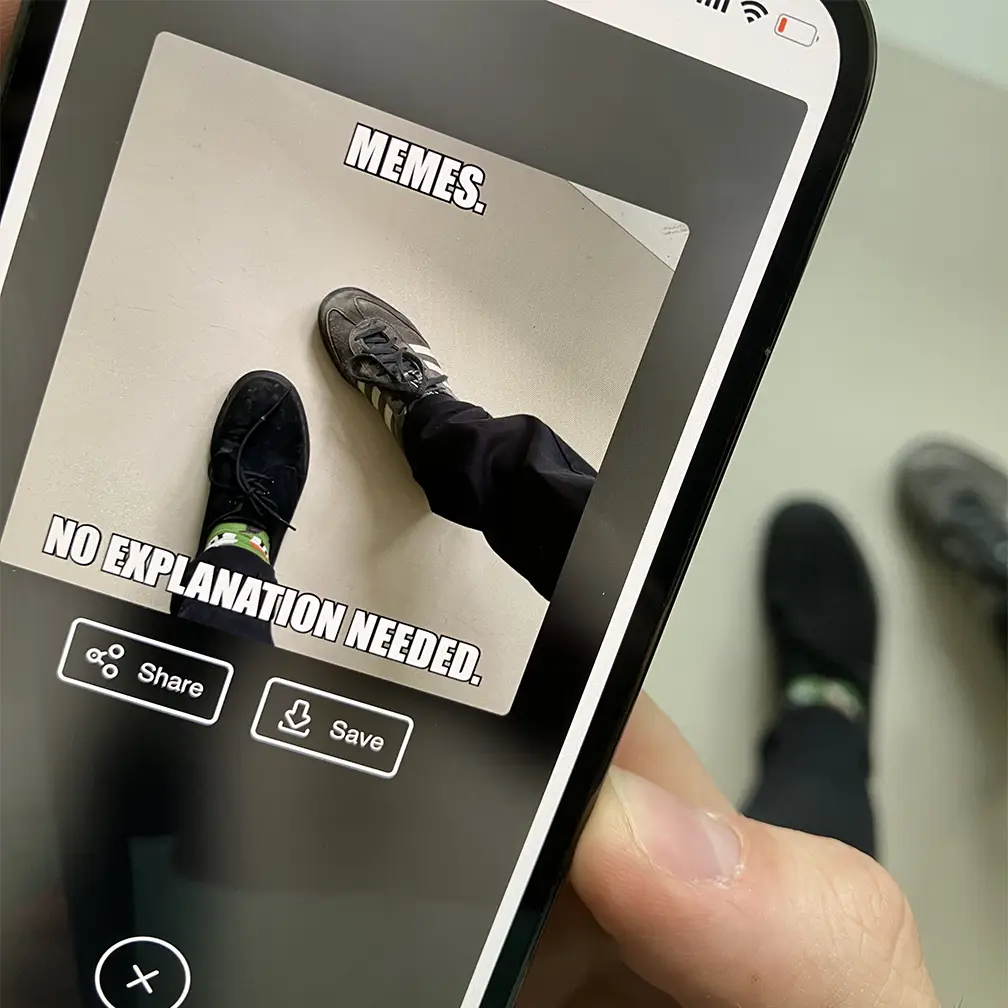
MemeCam is a free web application that turns a photograph into a finished meme. You give it an image, either uploaded from your device or taken directly with your camera, and GPT-4o looks at the picture, works out what is happening in it, and writes a short satirical caption to match. The captioned image is then rendered on screen, ready to be saved or shared.
The tool is deliberately narrow. There is no account to create, no subscription, no dashboard and no settings page: the homepage is the product. Three controls shape the result. A layout switch alternates between a single caption and the classic top-and-bottom meme format. A sarcastic variant sharpens the tone. A Context button lets you type a keyword so the joke leans towards a theme of your choosing rather than whatever the model noticed first.
Captions can be generated in seven languages, namely English, Danish, German, Spanish, French, Italian and Portuguese, each with its own set of instructions rather than a translation of the English output, so the humour is written in the target language.
MemeCam runs entirely in the browser and is explicitly web-only: the site states plainly that it publishes no application on the App Store or Google Play. It is free, and it stays free through donations. The creators explain that every generated meme costs them money in API fees, and that PayPal donations are the only thing keeping the service online. That economy also explains the single hard limit users meet, ten memes per hour, introduced after roughly 500,000 memes were generated in the first two days.
The project is credited to Andreas Refsgaard and Frederik Lauenborg, and it reads like an authors' project rather than a company product: no legal entity is named anywhere, and the site publishes no terms of service, privacy policy or contact address. What it does publish, repeatedly, is a rotating strip of warnings, reminding users that the underlying model is trained on internet data, that captions may be biased, inappropriate or occasionally toxic, and that anything should be reviewed before it is shared.
What it does
- Generate a satirical meme caption from any photograph
- Analyse the content of an image automatically with GPT-4o
- Produce classic top-and-bottom meme text or a single caption
- Steer the joke towards a theme using a free-text context keyword
- Write captions natively in seven different languages
- Switch to a sarcastic tone for a sharper result
- Save the finished meme or share it straight from the browser
When to use MemeCam / When not to
A quick filter to help you decide if MemeCam is the right fit.
When to use MemeCam
- Anyone who wants a funny image in seconds without opening a design tool
- Community managers and social media creators hunting for quick, shareable visuals
- Casual users curious to see what an AI model actually makes of their own photos
- Mobile users, since shooting a picture directly in the browser is the recommended mode
- Non-English speakers, thanks to captions written natively in seven languages
When not to use MemeCam
- Brands needing editorial control, since the publisher warns captions can be offensive
- Anyone with a compliance requirement, as no terms, privacy policy or DPA exist
- High-volume users, who will hit the ceiling of ten memes per hour
- Developers wanting to automate meme creation, because there is no public API
- Teams needing support or accountability, as the site publishes no contact address
How to use MemeCam
A typical end-to-end flow, from setup to results.
- Open www.memecam.io in any modern browser, with no account to create
- Choose Upload image to pick a file, or Use camera to shoot directly, the mode the site recommends
- Grant the browser camera permission if you opted to take the picture live
- Optionally press Context and type a keyword to steer the joke towards a theme
- Optionally press Language and select one of the seven available languages
- Optionally switch between the single caption mode and the top-and-bottom layout
- Wait while GPT-4o analyses the image and writes the caption
- Review the generated caption, keeping the site's own warnings about tone in mind
- Save the meme, or press and hold the image to download it on mobile
- Share it directly from your device, remembering the limit of ten memes per hour
Pros & Cons
Pros
- Completely free, with no account and no payment details required
- Produces a usable result in seconds, with no design skill needed
- Seven generation languages, unusual for a tool this simple
- Camera-first design that works naturally on a phone
- Context keyword gives real control over the direction of the joke
- Bias and tone warnings are displayed openly and repeatedly
- The publisher states that uploaded images are not stored
Cons
- No terms of service, privacy policy or legal notice whatsoever
- No contact address of any kind, so no support and no accountability
- No identifiable legal entity behind the service
- Usage capped at ten memes per hour
- No public API and no third-party integrations
- Longevity is uncertain, as the service depends on donations to pay its API bills
- Caption quality and appropriateness vary, as the publisher itself admits
Pricing & Plans
MemeCam is entirely free of charge. There is no paid plan, no subscription and no free trial, since the full service is available to every user at no cost. No price point is therefore published. The project is funded exclusively by voluntary donations made through PayPal in US dollars, which the creators state are used to cover the API costs incurred each time a meme is generated.
Data, GDPR & hosting
A consolidated view of how MemeCam handles your data.
GDPR overview
There is no mention of the GDPR anywhere on the site. Searches across the pages and the application's own JavaScript bundles return no occurrence of the regulation, and MemeCam publishes no privacy policy, no legal notice, no cookie banner and no data protection contact. No representative under Article 27 is designated and no data protection officer is named. The absence is notable because the publisher appears to be established in Denmark, since the domain consulted is a .dk, the registrar is Danish and the creators are Danish, which would place the service within the scope of the regulation. The single data statement offered is that images are not stored, and it sits on the homepage rather than in a documented policy. Anyone with a compliance requirement should treat MemeCam as undocumented.
Who owns the data?
MemeCam publishes no terms of service and no privacy policy, so no contractual clause states who owns the images you upload or the memes the tool produces. The only statement the site makes about your data is that it does not store images. In practice the uploaded picture is transmitted to GPT-4o for analysis, and the finished meme is returned to your browser for you to save or share. Because no legal document exists, nothing formally grants or limits the publisher's rights over your content, and nothing confirms what a third-party processor may retain. The absence of terms is best treated as an unresolved question rather than a guarantee.
Reuse rights
No terms and conditions are published, so the site never states whether you may reuse what you create. In practice MemeCam imposes no visible restriction: the meme is rendered in your browser, and the interface invites you to save it, share it through your device and post it with the hashtag #memecam, which points to unrestricted personal reuse. Commercial reuse is a different matter and is nowhere addressed, neither permitted nor forbidden. Note too that the caption is produced by a third-party model while the underlying photograph remains yours, so rights in the source image are unaffected by anything MemeCam does.
Data retention & training
Hosting summary
MemeCam publishes nothing about where data is hosted: no jurisdiction, no region, no hosting provider and no trust or security page. What can be established is technical rather than declared. The domain resolves to 76.76.21.21, an anycast address on Vercel's edge network, which IP geolocation places in the United States. Image analysis is carried out by GPT-4o, so uploaded pictures are transmitted to a third-party model whose processing location the site does not specify. The domain itself is registered through the Danish registrar Simply.com A/S, which indicates something about the publisher's origin but nothing about where processing occurs. None of this amounts to a commitment by the publisher: it is inference drawn from DNS and routing, and it can change without notice. The only data-related promise the site makes is that images are not stored. Users with a jurisdictional requirement have no documented basis on which to assess this service.
Things to keep in mind
Risks and trade-offs to weigh before adopting MemeCam.
- The publisher itself warns that generated captions can be biased, offensive or toxic
- Sharing a meme made from someone else's face can humiliate them, so get consent first
- No privacy policy or terms means you use the service with no contractual protection
- Uploaded photographs are transmitted to a third-party AI model for analysis
- There is no contact address, so no way to complain, ask questions or request deletion
- Availability is not guaranteed, since the service depends on donations to stay online
- Letting an AI write the joke is fun, but leaning on it habitually dulls your own wit
Setup & Integrations
Technical difficulty
None. MemeCam requires no installation, no account, no API key and no configuration of any kind. Opening the site in a modern browser is the whole of the setup, and a first meme can be produced within seconds. The only permission you may need to grant is camera access, and that applies solely if you choose the recommended live capture mode rather than uploading a file. No technical knowledge whatsoever is expected of the user.
Deployment
Supported languages
Behind MemeCam
Resources
All the official URLs gathered for verification and reference.
Frequently asked questions
Is MemeCam free to use?
Do I need to create an account?
Which AI model does MemeCam use?
Which languages are supported?
Are my images stored?
Is there a mobile app?
Is there a usage limit?
Can I influence the joke the AI writes?
Does MemeCam offer an API?
Who is behind MemeCam?
Should you pick MemeCam?
MemeCam does one thing and does it well: you hand it a photograph and it hands back a meme, in seconds, for free, without asking for an account or a card number. The use of GPT-4o for image recognition means the caption actually responds to what is in the picture, and the seven generation languages, the context keyword and the sarcastic mode give the user more genuine control than the stripped-down interface suggests.
Its limits are equally clear, and most of them follow from the same source: this is an authors' project, not a company. The service is funded by donations, capped at ten memes per hour, and could stop whenever its creators decide it costs too much. More seriously for anyone considering it beyond personal amusement, MemeCam publishes no terms of service, no privacy policy, no legal notice and no contact address of any kind. No company is named. The one data commitment on offer, that images are not stored, is a sentence on the homepage rather than a policy, and there is nobody to write to about it.
The publisher is refreshingly honest about the other risk, warning repeatedly that a model trained on internet data can produce biased, inappropriate or plainly toxic captions and asking users to check before sharing. That warning deserves to be taken literally.
Taken for what it is, a free, clever and genuinely funny demonstration of what image-aware AI can do, MemeCam is a pleasure. Taken for anything else, whether brand content, client work or any context touching personal data, the complete absence of a legal and contractual framework makes it unsuitable. Enjoy it as a toy, and share its output with the discretion its own creators ask for.
- Choosing a selection results in a full page refresh.
- Opens in a new window.