
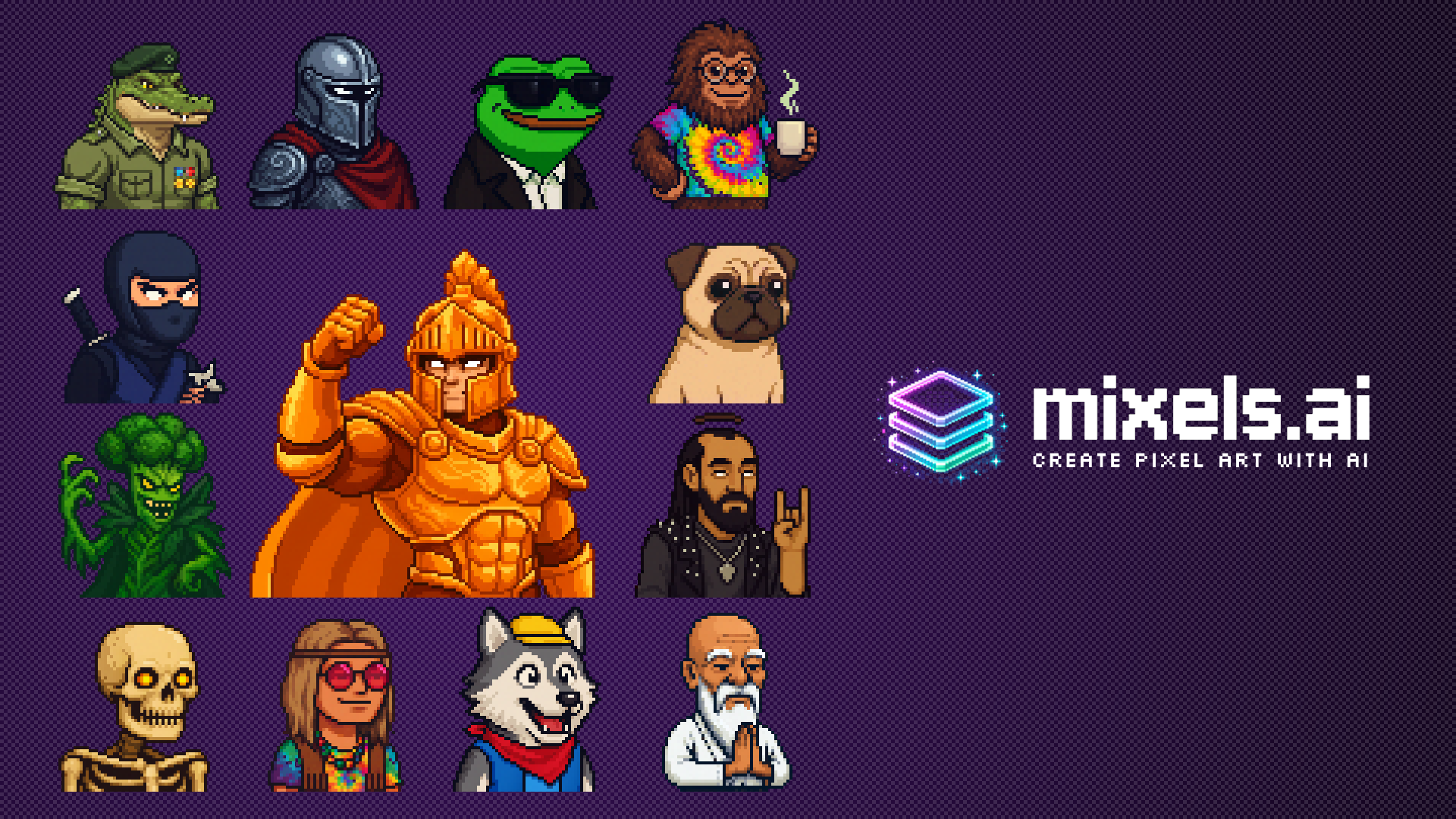
Mixels.ai
Mixels.ai turns text prompts or uploaded photos into grid-accurate pixel art and pairs that generator with a free browser-based pixel editor. Built for game developers, illustrators and hobbyists, it needs no download, and only AI generations spend credits.
What is Mixels.ai?
Mixels.ai is a browser-based platform for generating and editing pixel art, with nothing to install. Its name comes from mixels: pixels of different sizes mixed together, the recurring flaw of AI image generators, which the tool claims to eliminate by keeping every result on a strict grid.
Three building blocks make up the product. The Studio is a free pixel editor with layers, an adjustable brush, eraser, eyedropper, paint bucket, undo/redo history, zoom, a grid overlay, transparent background and export to PNG or Aseprite format. The AI generator works either from a free-form text prompt or from an uploaded photo, and consumes credits. Pixel Doctor repairs pixel art you already have.
The site names its engine as Nano Banana Pro: the image is redrawn, then quantized onto a 32-color palette on a 128 px grid. A conversion is announced at 20 to 40 seconds, around thirty seconds end to end. Typical outputs are 32x32, 64x64 or 128x128 depending on the source, with the PNG scaled back up by nearest neighbor to the dimensions of the original. Uploads accept JPG, PNG and WEBP files up to 10 MB.
You can try it before committing: three free conversions a day for an anonymous visitor, and three credits granted on sign-up. The positioning is explicit, that of a free, download-free alternative to Aseprite, whose 19.99 USD price the site takes care to mention, with photo-to-pixel-art conversion added on top.
Around the tool sit a public community gallery with user profiles (/browse, /gallery, /u/), thirteen written guides on /learn covering beginners, sprites, sprite sheets, 8-bit art and upscaling, and an API offered on request through /request-api-access, with no public documentation.
Two caveats belong in any honest description. The project is very young: the domain was registered on 30 November 2025 and the first Wayback capture dates from 9 January 2026. And the site states openly that it is funded by a single developer who asks for subscriptions to keep the service alive. The published roadmap, which covers AI sprites from text, full-body characters, 128x128 generation, sprite sheets and tilesets, doubles as a list of what the tool cannot do yet.
What it does
- Generate a pixel art character from a written description
- Convert a photo into pixel art on a 128 px grid with a 32-color palette
- Draw and edit pixel by pixel in the Studio, using layers, brush, eraser, eyedropper and paint bucket
- Repair existing pixel art with Pixel Doctor: mixels, grid alignment and ragged edges
- Remove the background and export a transparent PNG
- Export to PNG or to Aseprite format for use in a game engine
When to use Mixels.ai / When not to
A quick filter to help you decide if Mixels.ai is the right fit.
When to use Mixels.ai
- Indie game developers prototyping characters, tilesets and interface icons, with transparent PNGs that drop straight into Unity, Godot, Aseprite or Figma
- Streamers and community members who want retro avatars for Discord, Twitch, social profiles or tabletop RPGs
- Complete beginners and hobbyists who have never drawn pixel art, since nothing has to be configured before generating
- Makers of print and merchandise: posters, stickers, t-shirts and cross-stitch patterns
- Studio-tier subscribers who need a full commercial license covering every AI generation
When not to use Mixels.ai
- Anyone selling work produced by the AI generator on the Free or Pro tiers, where the license is personal use only
- Teams expecting AI-generated sprite sheets or tilesets, which are announced on the roadmap rather than shipped
- Animators looking for AI-generated motion: animation has to be drawn frame by frame in the Studio
- Projects that need high-resolution artwork, since output stays on 32x32, 64x64 or 128x128 grids depending on the source
- Mobile-first users who want a native iOS or Android app, or who expect Pixel Doctor to clean up ordinary photos rather than existing pixel art
How to use Mixels.ai
A typical end-to-end flow, from setup to results.
- Open the tool in a browser: there is nothing to download, and no account is needed for the first three conversions of the day
- Drop a JPG, PNG or WEBP file of up to 10 MB into the upload area, or type a text description of the sprite you want instead
- Start the generation: no setting has to be adjusted, and your position in the queue is displayed while you wait
- Allow 20 to 40 seconds while the AI reads subject, palette and lighting, then redraws the image on a 128 px grid quantized to 32 colors
- Download the PNG at the dimensions of the original, or open the result in the Studio to edit it pixel by pixel
- Create a free account by email or Google sign-in to collect three additional credits
- Sign in to save projects, generate privately and use the full Studio
- Export your work to PNG, or to Aseprite format from the Studio, and drop it into your game engine
Pros & Cons
Pros
- The pixel editor is free for life, with no download and no credit card
- The generator can be tried immediately without signing up, at three conversions a day
- Results stay on a strict grid, without mixed pixel sizes, which is the product's central promise
- Transparent backgrounds and plain PNG files drop straight into the usual game engines
- Fast turnaround, at 20 to 40 seconds per conversion
- Nothing to configure, which puts it within reach of complete beginners
- Detailed, dated legal policies and thirteen teaching guides for such a young product
Cons
- Commercial use of AI generations is reserved for the Studio tier at 99.95 USD per month
- The site contradicts itself on licensing: the photo-to-pixel-art page says the downloaded PNG can be used commercially, while the FAQ and the pricing page restrict that to Studio
- No legal entity and no postal address are published anywhere on the site
- No public API documentation: access is granted on request only
- No sub-processor list, no DPA offered to customers and no security certification
- A very young project, with the domain registered at the end of November 2025, run by a single developer who publicly warns it may not last
- No native mobile app, and a heavy set of advertising trackers loading from the home page
Pricing & Plans
A free plan is available. The Free Edition costs 0 USD with no credit card required, and the lowest paid entry point is the Pro Edition at 12.95 USD per month, with a seven-day free trial; the Studio Edition is priced at 99.95 USD per month. Anonymous visitors are also granted three free photo conversions per day. Section 5 of the terms specifies that credits are non-refundable except where the law requires otherwise, that unused credits may expire, that subscriptions renew automatically and that prices may change with reasonable notice.
- all editing tools
- HD export
- personal-use license
- up to 3 saved projects and 3 AI credits granted on sign-up
- 300 generations per month
- unlimited projects
- watermark-free HD export
- image import into the Studio
- private generations
- unlimited Pixel Doctor
- embedded metadata and a 7-day free trial
- unlimited credits
- everything in Pro
- embedded metadata and a full commercial license covering games
- applications and products you sell
Data, GDPR & hosting
A consolidated view of how Mixels.ai handles your data.
GDPR overview
GDPR implementation is described in concrete terms. Section 4 of the privacy policy sets out the legal bases relied on for EEA users: performance of the contract, legitimate interests, consent and legal obligation. Section 6 lists the rights of access, rectification, erasure, portability, objection, restriction and withdrawal of consent, with requests sent to privacy@mixels.ai and a stated response time of 30 days. Section 15 designates a data protection representative reachable at dpo@mixels.ai and recalls the right to lodge a complaint with a local supervisory authority. Section 10 mentions European Commission standard contractual clauses and processing agreements signed with providers. The gaps are just as clear: no Article 27 representative is appointed, and no legal entity or postal address is published. The policy is dated 1 December 2025.
Who owns the data?
The terms draw a clear line. Section 6.1 states that you keep ownership of the Inputs you provide, meaning your prompts and the images you upload. Section 6.2 states that you own the rights to the pixel art generated through the Service, subject to your compliance with the terms, but adds two caveats: no warranty is given as to the originality or copyright status of an Output, and commercial use rights depend on your subscription tier. Section 6.3 grants Mixels.ai a worldwide, non-exclusive, royalty-free license to operate and improve the Service. The privacy policy states the same principle plainly: Your creative content remains yours.
Reuse rights
The privacy policy sets out what is collected and why. Section 2.1 covers account data (name, email, profile picture, login identifiers), user content, payment information and support exchanges; section 2.2 covers technical signals such as browser, operating system, device identifiers, IP address, pages viewed, cookies and pixels. Section 2.3 confirms that prompts, uploaded images, generated outputs and their metadata are processed by the AI pipeline. Section 5.1 allows sharing with third-party AI providers (OpenAI is named as an example), along with hosting, payment and analytics providers. Section 13 describes automated processing and gives you the right to request human review, and section 12 states that no personal data is sold under the CCPA. On training, the wording is explicit: We do not use your images or prompts to train our AI models without your explicit consent. Note that the home page also loads Reddit, Meta, Google GA4/Ads, Microsoft Clarity and datafa.st trackers, with Consent Mode v2 set to denied by default for the EEA and the United Kingdom.
Data retention & training
Hosting summary
Mixels.ai publishes no hosting location. Section 10 of the privacy policy states only that data may be transferred to and processed outside your country of residence, including the United States, and lists the safeguards relied on: European Commission standard contractual clauses and data processing agreements signed with providers. Section 5.1 confirms that hosting and storage are entrusted to third-party providers, none of which is named. Section 8 describes encryption in transit (TLS/SSL) and at rest, access controls and regular security assessments. Beyond what the publisher declares, a network check made for this listing resolves the domain to 69.46.46.54, announced by AS400940 (Railway) and geolocated in San Francisco, which is a technical observation and not a statement by the publisher. In short: processing in the United States is acknowledged through the international transfer clause, no country or region is contractually committed to, no sub-processor list is published and no DPA is offered to customers.
Where Mixels.ai works
Country-level availability.
Not available in
Things to keep in mind
Risks and trade-offs to weigh before adopting Mixels.ai.
- The commercial licensing message is inconsistent between the photo-to-pixel-art page, the FAQ and the pricing page: assume the restrictive reading until the publisher clarifies it
- Section 5 of the terms says unused credits may expire, while the pricing page advertises that credits never expire
- No company name and no postal address are published, which makes any dispute difficult to pursue
- The terms apply the law of the State of Delaware and impose American Arbitration Association arbitration, which waives recourse to a state court
- Liability is capped at the higher of the amounts paid over the last 12 months and 100 USD, under section 10 of the terms
- Section 6.2 gives no warranty of originality or copyright status for outputs, and the terms warn that other users may obtain similar results
- Advertising trackers from Reddit, Meta, Google Ads and Microsoft Clarity fire from the home page, and the developer publicly warns that the service may not survive
Setup & Integrations
Technical difficulty
Setup is about as light as it gets. Everything runs in the browser, so there is nothing to install and nothing to configure before generating, the site deliberately exposing no settings at all. The first three conversions of the day work without an account; a free account, opened by email or Google sign-in, is only needed to save projects, generate privately and unlock the full Studio. The editor is touch-friendly and usable in a mobile browser. Anyone able to upload a photo can obtain a usable result on the first attempt.
Deployment
Supported languages
Behind Mixels.ai
Resources
All the official URLs gathered for verification and reference.
Alternatives
Tools that compete with or complement Mixels.ai.
Frequently asked questions
Is Mixels.ai free to use?
Do I have to install anything?
Which file formats are supported?
What resolution do the results come out at?
Can I use the images commercially?
What exactly is a mixel?
What is Pixel Doctor for?
Is my content used to train the models?
Is there a minimum age?
Is there an API?
Should you pick Mixels.ai?
Mixels.ai is a young product, with a domain registered on 30 November 2025, yet it already feels complete. The proposition is easy to grasp: a free pixel editor in the browser, plus AI generation paid for in credits, working from a text prompt or from a photo. The technical difference it claims is visible on screen, since results stay on a strict grid instead of mixing pixel sizes, which is precisely the failure mode that makes generic AI images unusable as sprites.
Three reservations deserve attention before a workflow is built on it. Commercial use of AI generations is reserved for the top Studio tier at 99.95 USD per month, and the site contradicts itself on this point between its photo-to-pixel-art page, its FAQ and its pricing page. The publisher is opaque: no legal entity, no postal address, only a Delaware governing law clause. And the developer states publicly that the service may not survive without enough subscribers, which matters if saved projects are meant to sit at the center of a production pipeline.
Who is best served? Indie game developers who need quick prototypes of characters, icons and interface elements; pixel art hobbyists who want to draw without installing anything; and anyone making retro avatars for Discord, Twitch or social profiles. For those uses the free tier alone is generous: the editor costs nothing, and three conversions a day are enough to judge whether the output suits a project before spending anything.
- Choosing a selection results in a full page refresh.
- Opens in a new window.